






















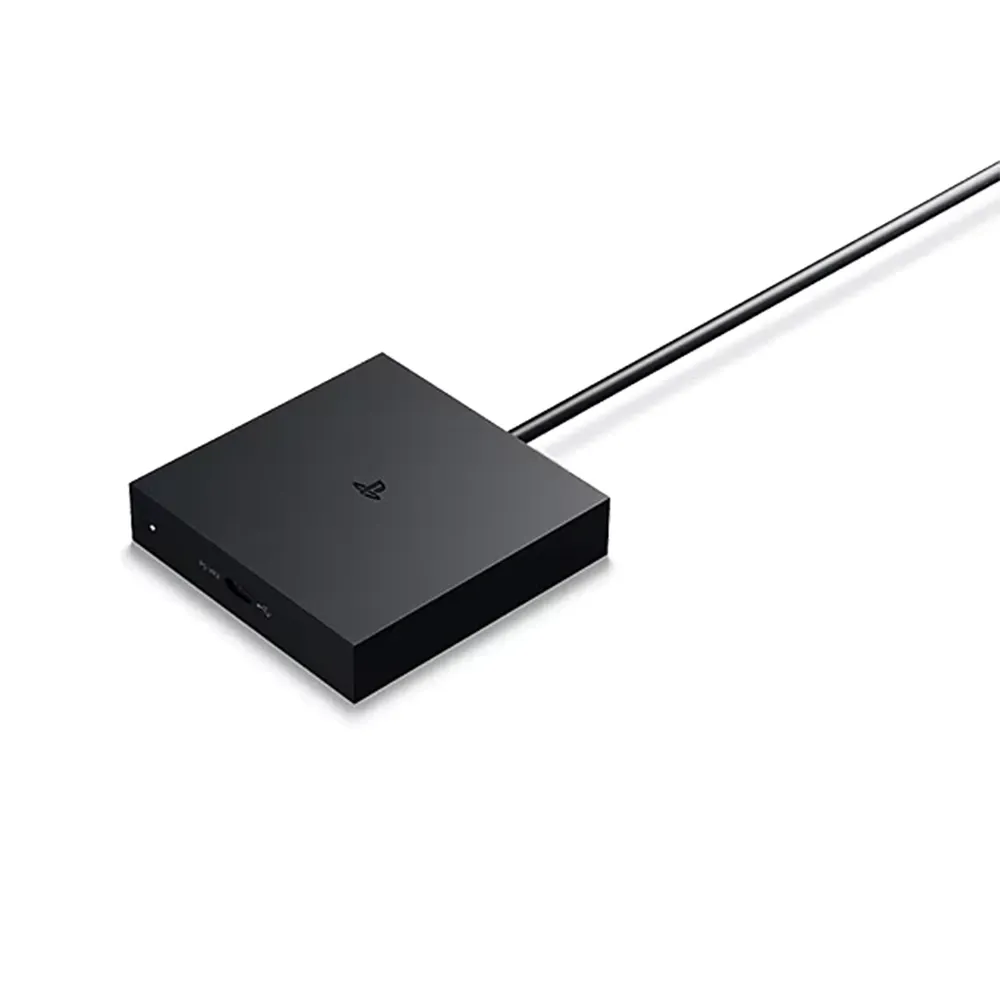
Sony PlayStation VR2 PC Adapter
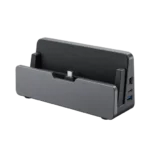
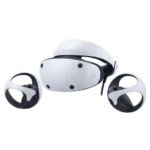
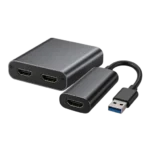
Connect your PS VR2 headset to a compatible Windows gaming PC and explore SteamVR games. This adapter connects the headset to your PC; the PS VR2 headset, Sense controllers and a compatible PC are required separately.
- PC connection uses USB 3.0 and a dedicated DisplayPort output.
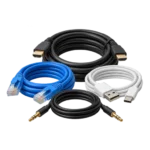
- A DisplayPort 1.4 cable is sold separately.
- Install Steam, SteamVR and the PlayStation VR2 App for setup.
- Sense controllers pair with your PC using compatible Bluetooth.
Technical Specifications
| Brand | Sony / PlayStation |
|---|---|
| Product type | PS VR2 PC adapter |
| Operating system | Windows 10 or Windows 11, 64-bit |
| PC interfaces | USB 3.0; DisplayPort 1.4 |
| Controller connection | Bluetooth 4.0 or later; check adapter compatibility |
| Warranty | One-year brand warranty. |
Frequently Asked Questions
Does this include a PS VR2 headset?
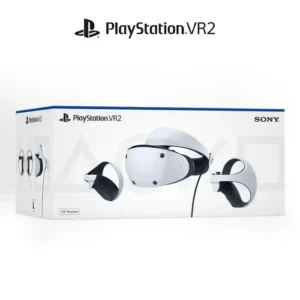
No. This listing is for the PC adapter.
Is the DisplayPort cable included?
The DisplayPort 1.4 cable is sold separately.
Which apps are needed?
Install Steam, SteamVR and the PlayStation VR2 App.
How do the Sense controllers connect?
Pair both controllers with compatible PC Bluetooth.
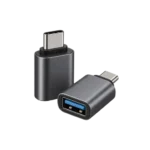
Can I use DisplayPort over USB-C?
Sony states that DisplayPort over USB-C is not compatible with this adapter.
How can I confirm this accessory fits my device?
Match the exact device model, dimensions and connection type to the compatibility stated for this product. Similar names do not establish a fit.
What should I verify before installing this product?
Check the manufacturer’s fitting or setup instructions for this exact model. Avoid forcing connectors or parts that do not match.
Which exact item does this listing identify?
Sony Playstation VR2 Adapter — SKU: MEG-39685
Check the official PC requirements before ordering.
Reviews
There are no reviews yet.